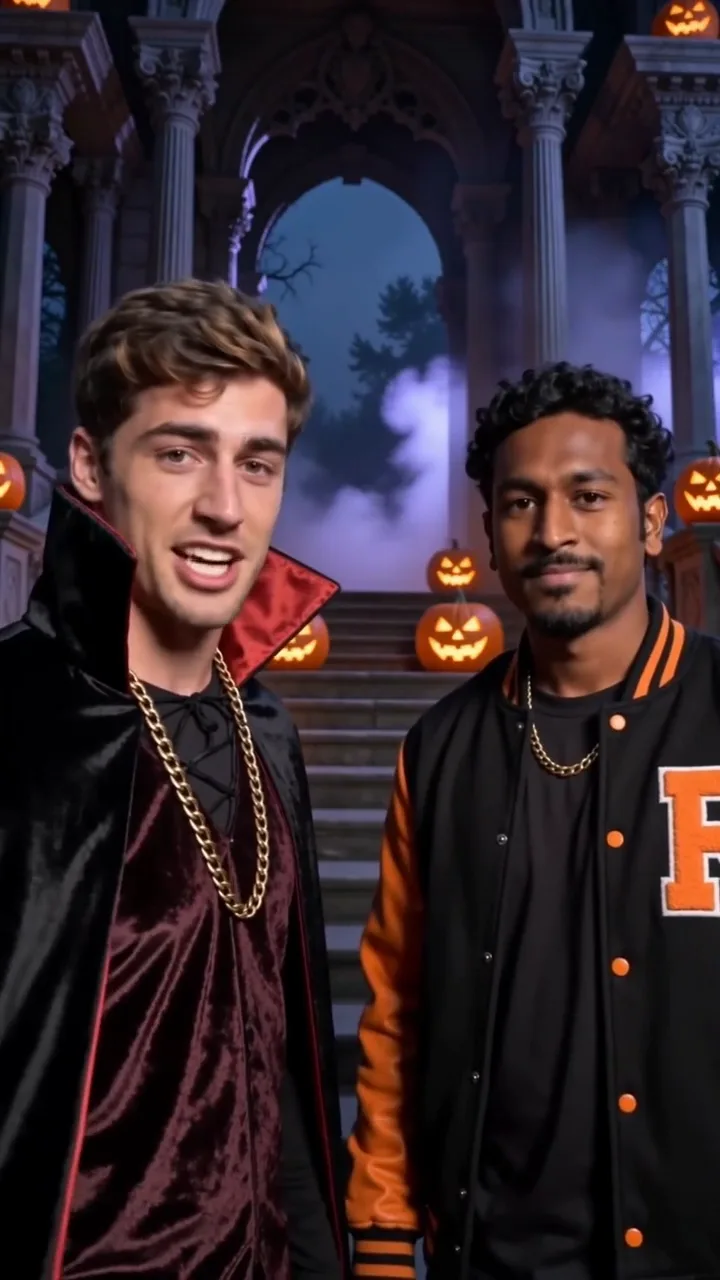
A Rap for the Occasion, Without the Booth
Making a rap usually takes three jobs: writing bars, recording a take and editing a video. This page opens the Rap Maker on AI writes lyrics, so one sentence about the occasion covers all three. The studio handles the words, the beat, the vocals and the footage.
Say you type "Leo passed his driving test on the fourth try" and keep two photos. A text model writes a few short lines about Leo, then the video model performs them over your beat, with photo 1 set to open and photo 2 to finish, in a 5, 10 or 15 second clip.
The written lines stay hidden until the clip is ready. Your topic shapes the words only; the setting comes from the beat style you pick, since each beat has its own stage. To pick the place or outfits, or to fix every word, switch the Rap Maker to My lyrics or scene and write "Scene:" first and "Lyrics:" last. Each mode keeps its own text.
Occasions the Rap Maker Fits
Birthdays are the easy start. "Grandma Rosa turns 75 and still wins every card game" gives the AI a name, an age and a running joke. Put her photo in one slot and yours in the other, and the Rap Maker asks the model to have you trade halves of the verse.
Team shout-outs work the same way in the Rap Maker: a new hire's first week, a launch that shipped, a record month. The lyric writer is instructed to keep lines clean, with no profanity, slurs, sexual content or violence, so the clip is meant to suit a work chat; watch it first. Ask colleagues before using their photos.
Crews and clubs can use the Rap Maker for a short intro where two members split the lines and a third photo adds ad-libs. Holiday greetings fit too, from a family New Year message to a small shop's seasonal hello. For a shop, use only your own name, products and photos you may use.
How This Differs From Rap Maker Apps That Record You
Many rap maker apps pair a beat library with a record button: you write a verse, rap it into your phone and the app mixes your voice over the track. If you want to hear yourself perform, that kind of app suits you.
This Rap Maker starts from the other end. It takes a topic and photos, not audio. There is no voice upload or voice cloning; the rap voice comes from the video model, so it is not your own. In exchange, nobody writes, rehearses or records, and your photos perform on screen.
So it depends on what you want to share: your own voice and words, or a clip of your group rapping about the occasion, made with a photo-based Rap Maker and lyrics nobody had to write.
Writing a Topic for a 5–15 Second Clip
The Rap Maker topic box takes up to 200 characters, and specific topics give the AI more to rhyme with: a name, the occasion and one detail people will recognise. "Office party" is thin; "Sam's last day before parental leave, he fixed the printer twice" has a person, a reason and a punchline.
Length and beat set the line count. The slower styles, Classic Boom-Bap and West Coast, fit the most lines: 2 in a 5 second clip, 4 in 10 and 6 in 15. Hard Trap, Melodic Club and Epic Drill get 2, 3 and 4, with more time for each. Every line is short enough for one breath.
So lead with the detail that matters most; a 5 second clip has room for one greeting or one joke. The Rap Maker's writer is told to stick to the song and not to name real artists. Quotes around a nickname are fine; only a topic that starts with "Lyrics:" is rapped as typed.
Getting Your Friends In With 2–3 Photos
The Rap Maker takes one to three photos, one person each. Solo, you rap center frame. With two, Rapper #1 stands left and Rapper #2 right, and the studio asks the model to give photo 1 the first half of the lines and photo 2 the second; it usually does. With three, the Hype Man adds ad-libs instead of a verse.
Friends do not need to be in the room, only in a clear, front-facing photo they agreed to share, with eyes, nose, mouth and shoulders showing. Avoid hands, mics, sunglasses or masks over the face, group shots in one slot and screenshots with text on the face. JPG, PNG or WebP, up to 10 MB.
On a laptop, each slot has a QR code for sending a photo from a phone; it works once and expires after 15 minutes. On a phone you can take a selfie in the studio. Every slot needs a photo. For four or five people, the Tiny Desk template under Trending Templates seats up to five.
Downloading and Sharing Your Rap Maker Clip
When the render is done, you download one MP4 with no watermark. A QR code saves it to your phone, handy when you made it on a computer but want to post from your camera roll.
Settle the shape first: 9:16 for stories, 16:9 for a TV or slideshow, 1:1 for a square post. Which shapes, qualities and lengths you get depends on the model you choose in the studio.
The beat and vocals live inside the video; there is no separate audio file or lyrics sheet, so jot the words down if you want them for a caption. Your photos serve only the render you ordered. They are not sold or used to train public foundation models.
What a Rap Maker Video Costs
The Rap Maker charges per video, and the AI lyrics are part of that price. No account is needed: a Single Video Pass goes through Stripe checkout. On Make Your Own, a video costs $1.99 to $24.99 by model, quality and length.
This page opens at $4.99 as a single pass, or 125 credits signed in. Guests can also tap Fast: $1.99 for a 480p, 5 second clip on Seedance 2.0 Fast.
For several occasions, credit packs begin at $6.99 with no expiry date and subscriptions at $29.90 a month. If the lyrics cannot be written, nothing is charged, and failed renders are refunded, as the last FAQ explains.
How to Make a Rap With the Rap Maker
Four steps take you from an occasion to a finished Rap Maker video. Model, quality, length and shape can change any time before you pay.
- Step 1
Type your topic
Leave the switch on AI writes lyrics and describe the occasion in up to 200 characters: who it is for, why, and one detail. Only text that starts with "Lyrics:" is rapped as typed; quotes in a topic are fine.
- Step 2
Add 1–3 photos
Pick how many people perform and give each slot one clear, front-facing photo: upload it, scan the slot's QR code with a phone, or take a selfie on mobile.
- Step 3
Pick a beat and a length
Choose Hard Trap, Classic Boom-Bap, Melodic Club, Epic Drill or West Coast, then 5, 10 or 15 seconds. At 10 and 15 seconds the slower styles get more lines.
- Step 4
Generate and download
Pay with a Single Video Pass, or with credits once signed in. The AI writes the lyrics, the video model performs them, and you download the MP4 or scan the QR code to save it.
Rap Maker FAQ
Do I need to rap or write lyrics to use the Rap Maker?
No. With AI writes lyrics you describe the occasion and the AI writes the lines. Nobody records anything either: the voice and beat come from the video model.
Will I hear the lyrics before my friends do?
Yes, but only when you play the finished clip, before you send it; AI writes lyrics has no preview step. To approve every word, switch to My lyrics or scene and put your lines after "Lyrics:" or in double quotes, with any "Scene:" before them.
Will the lyrics be fine for a family or work chat?
The Rap Maker's lyric writer is instructed to keep the lines clean and not to name real artists. The video model may still add ad-libs of its own, and a roast is still a roast, so watch the clip and check that everyone pictured is happy with the topic.
Which beat fits the most lines?
Classic Boom-Bap or West Coast, the slower styles. At 10 or 15 seconds they get 4 or 6 lines, against 3 or 4 on Hard Trap, Melodic Club or Epic Drill. The faster styles give fewer lines, each with more time.
Do my friends need to be with me when I make it?
No. You need one clear photo of each person and their permission, so they can text you one. If you are together, they can scan a slot's QR code and upload from their own phone. Never upload anything sexual, hateful, harassing or defamatory.
Is the Rap Maker free?
No, the Rap Maker is not free. Each video is paid, $1.99 to $24.99 on Make Your Own, with the AI lyrics included. The setup this page opens with is $4.99, or 125 credits.
Where can I share the finished rap?
Wherever you can post or send an MP4. Rap Maker videos have no watermark, and the QR code puts yours on your phone for stories, a group chat or a family thread. For phones, choose 9:16 before you generate.
What happens if the lyrics or the video fail?
If the lyrics cannot be written, you are not charged, and the studio asks you to try again or switch to My lyrics or scene. If the video fails or times out, credits return automatically, and a Single Video Pass is refunded to the original payment method, or as Studio Credits if that is not possible.